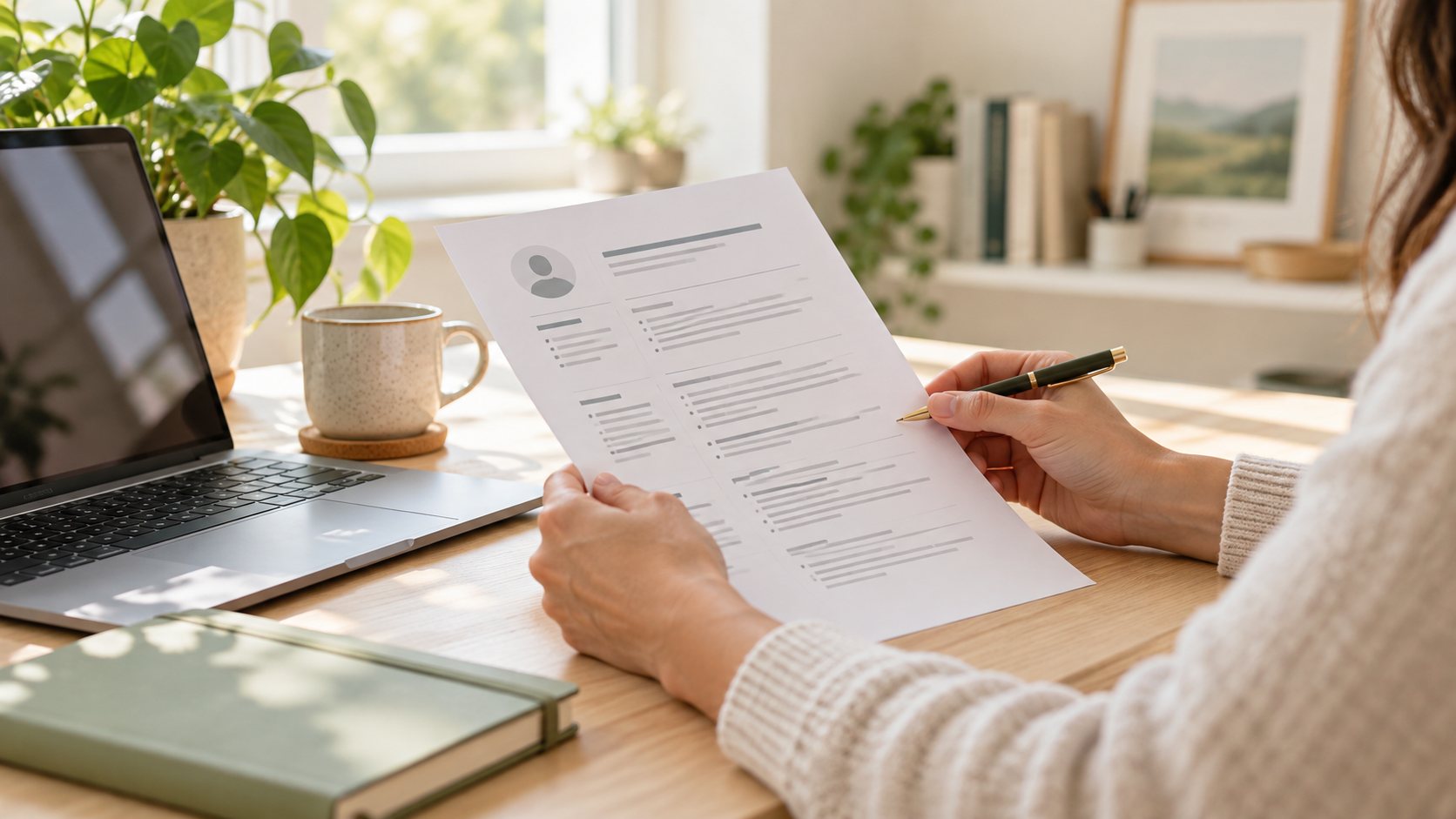
In the job application email, list the position in the subject line, introduce yourself in a few sentences, and describe your relevant experience. Attach the requested documents; Check the address, files and links before submitting.
Check the application channel first
If it is stated in the announcement that applications will be received through a portal, sending an e-mail does not replace the portal application. Follow the channel and documentation instructions provided. Check the email address on the company's official posting or on its own website; Do not send your personal document to the unverified address you see on social media.
If it is not clear who you are writing to, use a professional and simple greeting. If the recipient name is known, write it correctly. Instead of adding multiple organizations to the recipient list of the same email, prepare each application separately for each role.
Make the subject line easy to find
Subjects such as “CV”, “I'm looking for a job” or “Important” do not explain which position the application is about. The role name, posting code, and your name establish sufficient order. If a specific subject format is given in the ad, use it. Do not fill the subject with capital letters or unnecessary signs.
Sample subject: “Operations Assistant Application — OP-24 — Deniz Kaya”. The name and code here are examples; Replace it with your own information.
Write the message in a short but informative manner
Name the role in the first sentence. Briefly summarize relevant experience or education, then mention the attachment and thank the recipient. “My resume is attached” alone gives little context, but there is no need to repeat a long cover letter.
Sample e-mail: "Hello, I would like to apply for the Operations Assistant job posting you published. I followed the registration lists and duty schedule at the events of our university community. I want to improve this experience in operation processes. I am attaching my CV. Thank you for evaluating my application. Best regards, Deniz Kaya." Tailor it only with your own real experiences.
Open and check attachments and links
The desired format takes priority. Re-open the PDF or Word file before sending it; Check that there are no blank pages, missing characters, old phone numbers or incorrect company names. Instead of filenames like “sonson2,” choose a clear name that includes your name and document type.
If you're using a portfolio link, test it in an incognito window. The page opened in your own account may ask for login or permission from the recipient. Do not add unnecessary large images and archives; Share only documents requested or directly relevant to the application.
Send yourself a test before applying
Sending the draft to yourself first shows what the attachments and signature look like in a real email. Also read on the phone. Use spell check, but be the final judge of institution names and technical terms. Verify that autocomplete does not select the wrong person.
- Compare the recipient address with the address in the ad.
- Open it to see that the attachments are the latest version.
- Consider including name, phone number and professional email in the signature.
- Remove the identification number and any private documents unrelated to the application.
Record the application and follow up politely
Store the company, position, posting link, submission date, and document version in a small table. This way, when you are called for an interview, you know which application is being discussed. If the employer gives a return date, take that date as basis. Instead of repeatedly sending the same files in the follow-up message, give a brief and polite reminder of your application.
No response alone does not indicate that the e-mail has not been read. Instead of sending consecutive messages to different addresses, continue your other appropriate applications.
Final checklist
Check the steps you have completed. Your selections reset when you leave this page.
0 / 5 steps completedFrequently asked questions
Should I put the CV in the email or as an attachment?
Follow the employer's instructions. If a file is desired, attaching the CV and making a short introduction in the message provides a clear layout.
Does email replace a cover letter?
A short application email may be sufficient; Additionally, if a cover letter is requested, prepare it as specified.
Sources and further reading
This guide was created for ToolsCD. These sources help you explore the topic further; examples do not guarantee a job offer.